RAR · authorized work handover · password clue worksheet
RAR archive: forgotten password in the context of authorized work handover: password clue worksheet
A practical guide to forgotten password in the context of authorized work handover: verify the RAR archive, preserve the original, organize password clues, and choose an authorized recovery path. Separate confirmed clues from guesses before defining the range.
When a file in RAR archive format from authorized work handover is blocked by forgotten password, begin with evidence rather than random attempts. Keep the original file unchanged, work from a copy, and write down what is genuinely known about the password. This avoids confusing a damaged file, an editing restriction, or a wrong extension with a password problem.
Verify the file before searching
First confirm that the file is really in RAR archive format and that a compatible application can recognize its structure. Renaming an extension does not convert a file. If another copy opens, compare dates and sizes before starting recovery. For Office and PDF files, distinguish an opening password from editing, printing, or worksheet protection because these are different cases.
Choose a focused recovery range
For forgotten password, broad searches are rarely the best first step. Start with the shortest plausible lengths and the character groups the owner actually used. Add confirmed fragments such as initials, a project abbreviation, a year, or a phone-number suffix. Treat uncertain guesses as later branches instead of mixing everything into the first range.
Use the context as a source of clues
The context of authorized work handover may include useful surrounding evidence: folder names, version labels, document dates, sender messages, or an agreed project code. These clues are more valuable when they can be traced to the file’s original period. Avoid adding unrelated personal data.
Build a password clue worksheet
Create three columns for this RAR archive: confirmed facts, plausible clues, and rejected assumptions. For the context of authorized work handover, record only traceable details such as initials, dates, project abbreviations, capitalization habits, or a known suffix. Use confirmed facts first for forgotten password; keep uncertain ideas in later branches so they do not make the first range unnecessarily large.
Online recovery with 8ma Password Recovery
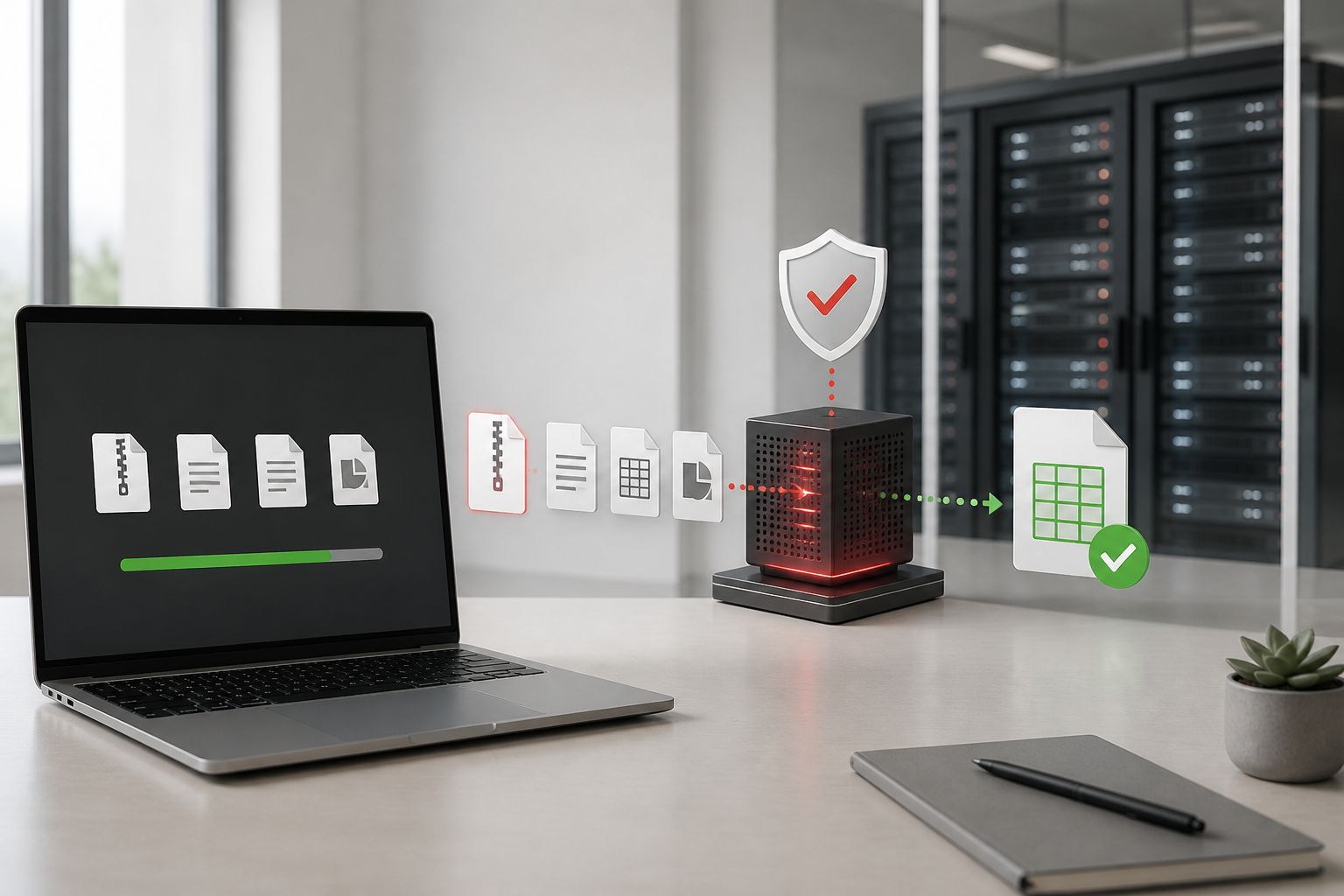
8ma Password Recovery accepts supported RAR archive files through the browser and runs password-recovery tasks on data-center servers. The work does not consume the user’s laptop CPU, and several file tasks can be tracked from the same browser. A basic compute allowance is included. If a reward option is available on the task page, earned points can be exchanged for more compute or access to a recovered result.
Read the result correctly
No result in a selected range does not prove that the file has no password. It only means the tested candidates did not match. Recheck the file type, the selected length and character groups, and any excluded clues before expanding the search. Recovery time and outcome depend on the real password, file format, and chosen range; no service can honestly guarantee a result.
Can the password for RAR archive always be recovered?
No. A result depends on the actual password, file condition, and candidates tested. A focused range improves efficiency but cannot guarantee success.
Does online recovery use my computer CPU?
No. After upload, the recovery task runs on remote data-center compute while the browser is used to view progress.